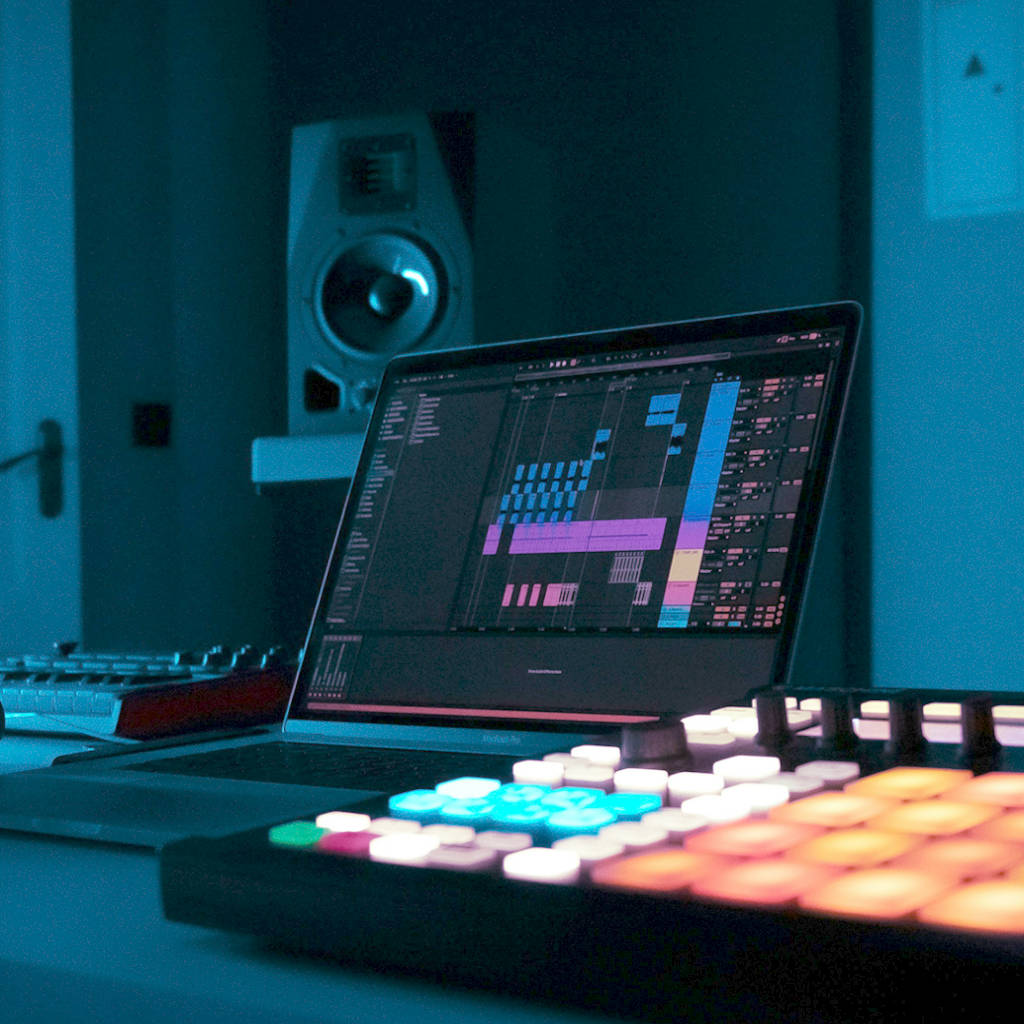
The idea hits you on the train or in the shower. You get home, open your DAW and create a new project.
You load a kick. Tweak it. Swap it. An hour later you have nothing you want to keep.
An empty project asks you to make dozens of decisions before you hear a single bar.
Sample packs, tutorials and waiting for inspiration don't always solve the problem of getting started.
It appears in seconds. It fits the idea in your head. And it's completely yours to change: every note, every sound. Imagine typing "dark, driving techno at 130 BPM" and hearing drums, bass and synth a moment later. Not perfect. It doesn't have to be. It's something to react to. Keep the groove, change the bassline, drag it into your DAW.
It turns a short description into editable drum, bass and synth MIDI loops in seconds.
Try Beat Shaper Free
Learn more about Beat Shaper first


You own the musical ideas you create with Beat Shaper. Commercial use depends on your plan: Starter is for personal & non-commercial use. Creator and Producer plans include commercial use. See the pricing page for the current plan details.
Beat Shaper is trained on a custom licensed dataset. We built the system around legally usable training material and a responsible AI workflow for music production.
Beat Shaper focuses on electronic music styles, including Techno, House, Acid, Drum & Bass, Hip-Hop, Trance, and related genres. The exact available styles may depend on the current app version.
Beat Shaper exports editable MIDI, rendered audio, MP3, and Ableton Live project files depending on your plan. MIDI and audio exports work with major DAWs such as Ableton Live, Logic Pro, FL Studio, Cubase, and others. Ableton-specific features include Drift-compatible patches, Ableton Live project export, and Max for Live integration where included in the selected plan.
Yes, generated drums, basslines, synth parts, and arrangements remain editable in Beat Shaper. You can refine notes, drum hits, clips, and sound settings before exporting.
Starter is for trying Beat Shaper and personal use. Creator is for producers who want more regular use and commercial rights. Producer is for heavier production workflows and advanced features such as deeper Ableton & Max for Live integration. See the pricing page for the current limits and included features.
Beat Shaper is designed for both beginners and experienced producers. Beginners can start from prompts and suggestions, while experienced producers can edit MIDI, sound settings, arrangements, and exports in more detail.
You might also like
Enhance creativity and break through creative blocks
Supported by